

Best Landing Page Analyzer Tools (and How to Actually Use Them)
 RoastGPT Team
A practical guide to the best landing page analyzer tools for UX, speed, SEO, and conversions, plus how RoastGPT’s AI landing page roast fits into your stack.
If you’re serious about conversions, you can’t rely on “this looks good to me” as your landing page QA process.
You need landing page analyzer tools that show you what’s broken: UX friction, slow performance, weak copy, bad CTAs, trust gaps, and more. The problem is that most tools only cover one slice of the puzzle, speed, SEO, or behavior so it’s hard to know where to start.
In this guide, we’ll break down the best landing page analyzer tools, what each one is actually good at, and how to combine them into a stack that gives you a complete picture. We’ll also show where RoastGPT’s Roast My Landing Page fits in when you want brutally honest, AI-powered feedback on the experience itself.
What Makes a Good Landing Page Analyzer?
Before diving into tools, it helps to know what “good” looks like. In practice, a strong analyzer should help you answer at least one of these questions:
- Is my page clear and persuasive? (Messaging, structure, trust, CTA.)
- Can users actually use this? (UX, forms, mobile, accessibility.)
- Is it technically solid? (Speed, Core Web Vitals, errors.)
- What are real users doing? (Clicks, scroll depth, rage clicks, drop-offs.)
No single tool does all of that perfectly. That’s why the best setups use multiple analyzers:
- A qualitative/conversion tool like Roast My Landing Page,
- A performance/SEO tool (Lighthouse, PageSpeed, Website Graders),
- A behavioral tool (heatmaps and recordings),
- And optionally an experimentation tool (A/B testing).
Let’s walk through the tools that cover those bases.
1. RoastGPT – AI Landing Page Roast (UX, Copy, Conversion)
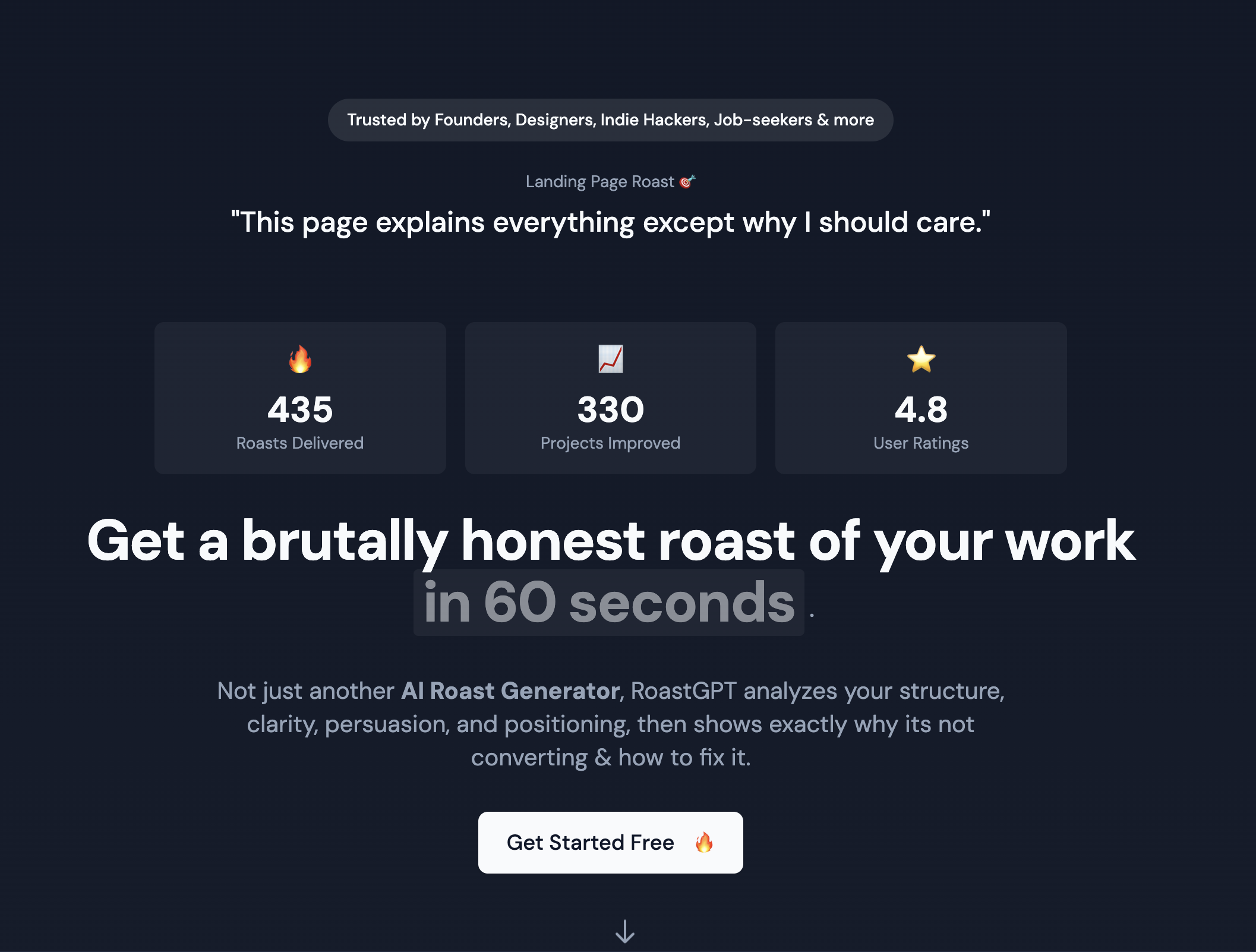
Best for: Brutally honest, AI-powered critique of your landing page’s UX, copy, and conversions.
RoastGPT’s Roast My Landing Page is an AI landing page analyzer that behaves less like a generic “score tool” and more like a panel of specialists with strong opinions.
You paste your URL, choose a persona, and get:
- Overall and category scores for navigation, readability, responsiveness, hierarchy, interaction, and conversion.
- Section-level feedback on hero, features, pricing, testimonials, forms, trust elements, and more.
- Persona-driven commentary (e.g. Grumpy UX Designer, Conversion Consultant, Copywriting Comedian, Accessibility Advocate, Mobile-First Inspector).
- A breakdown that reads like a tough design and conversion audit with jokes included.
Because it looks at structure, clarity, trust, and flows, it fills a gap that raw metrics and heatmaps can’t: “Does this page make sense and does it make people want to act?”
Use it when:
- You want a fast reality check before you launch a campaign.
- You need a prioritized list of what to fix first on your landing page.
- You’re trying to understand why your page isn’t converting, not just that it isn’t.
👉 Start with Roast My Landing Page, fix what the roast calls out, then re-run it or combine it with the tools below for deeper testing.
2. Google Lighthouse & PageSpeed Insights (Performance & Core Web Vitals)

Best for: Page speed, Core Web Vitals, and technical health.
Lighthouse (in Chrome DevTools) and PageSpeed Insights analyze:
- Largest Contentful Paint (LCP),
- First Input Delay/Interaction to Next Paint (INP),
- Cumulative Layout Shift (CLS),
- Render-blocking resources,
- Unoptimized images and scripts.
They answer: “Is my landing page fast, stable, and technically reliable?”
Where RoastGPT might say “this feels slow and heavy,” Lighthouse tells you why and which resources to attack first.
How to use alongside RoastGPT:
- Run a Roast My Landing Page audit for UX and conversion issues.
- Run Lighthouse/PageSpeed to find performance bottlenecks.
- Tackle big performance items (hero images, unused JS, blocking CSS), then roast the page again to see if “feels slow” complaints disappear.
3. Hotjar / Microsoft Clarity (Heatmaps & Session Recordings)
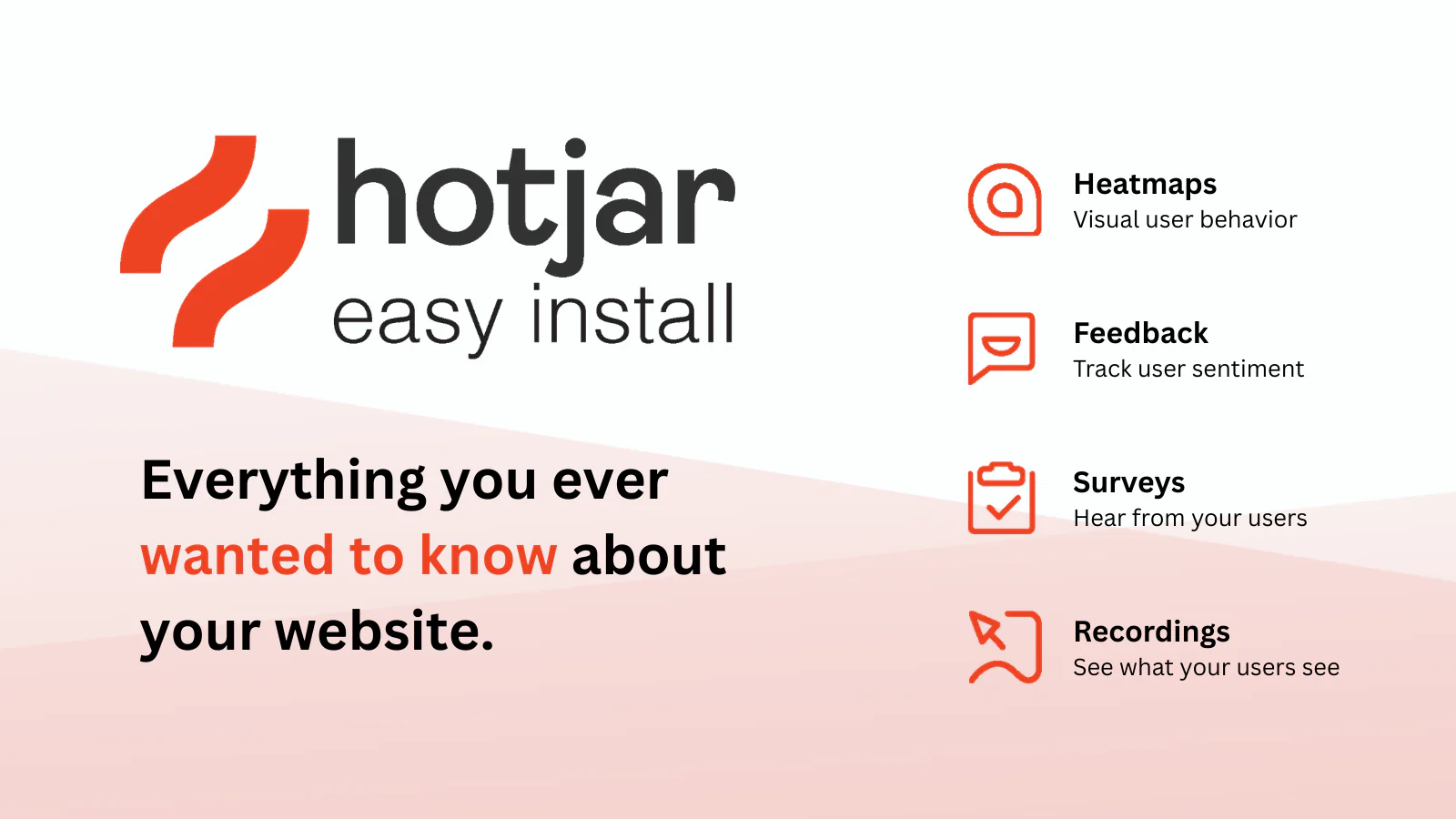
Best for: Seeing what real users actually do on your landing page.
Tools like Hotjar and Microsoft Clarity provide:
- Click, scroll, and move heatmaps,
- Session recordings of real visitors,
- Basic funnels and rage-click detection.
They answer: “Where do people click, get stuck, or drop off?”
A RoastGPT report might say “CTA is visually buried” or “hero copy is unclear.” Heatmaps and recordings confirm whether:
- Users ignore your primary CTA,
- Scroll behavior drops off right after a confusing section,
- Mobile users rage-click on non-clickable elements.
How to combine:
- Use Roast My Landing Page to spot theoretical issues.
- Use Hotjar/Clarity to see if those issues show up in real behavior.
4. Crazy Egg / Heatmap Graders (Visual Behavior & Quick Scores)
Best for: Fast visual overview of attention and engagement.
Platforms like Crazy Egg and AI-powered homepage graders/heatmap tools provide:
- Click heatmaps and scroll maps,
- Simple “grader” style reports with UX and performance flags,
- Basic A/B testing in some cases.
They’re great when you want an at-a-glance picture of:
- Which sections people actually see,
- Whether key elements get meaningful attention,
- Whether users “die” above the fold or engage with the whole page.
These tools complement a roast nicely:
- RoastGPT says “your CTA isn’t visually dominant.”
- Heatmaps show your CTA is barely clicked compared to a secondary link.
Result: you know it’s not just theory, the problem shows up in the field.
5. HubSpot Website Grader & SEO Site Audits (SEO & On-Page Basics)
Best for: Quick checks on SEO, security, and on-page fundamentals.
Free tools like HubSpot Website Grader and broader SEO platforms (SEMrush, Ahrefs, etc.) can audit:
- Title, meta description, and header usage,
- Mobile-friendly layout,
- Basic performance and security flags (HTTPS, redirects, etc.),
- Indexability and crawl basics.
They answer: “Is my landing page discoverable and technically clean enough for search?”
For a page like Roast My Landing Page, you’d want:
- A keyword-aligned title tag,
- A strong meta description,
- Logical heading structure (H1, H2s),
- Clean URLs and canonical tags.
Pair this with RoastGPT:
- Use SEO graders for search-facing issues.
- Use RoastGPT for human-facing clarity, persuasion, and UX.
6. Analytics & Funnels (GA4, Mixpanel, etc.)
Best for: Quantifying what “good” or “bad” actually means.
Google Analytics 4, Mixpanel, PostHog, and similar tools give you:
- Conversion rates by traffic source,
- Funnel drop-offs between steps,
- Event-level interactions (button clicks, form submissions).
They answer: “Where in the journey are we losing people, and how badly?”
RoastGPT helps you understand why a step is weak; analytics tell you how much it hurts in numbers. For example:
- Analytics: 80% of traffic drops between hero and pricing.
- Roast: “Your hero is vague and there’s no clear CTA above the fold.”
Together, they give you a confident roadmap for prioritizing changes.
7. A/B Testing Tools (VWO, Optimizely, Google Optimize Alternatives)
Best for: Validating which version of your landing page actually performs better.
Experimentation tools like VWO, Optimizely, or similar platforms let you:
- Run A/B or multivariate tests on headlines, CTAs, layouts, and forms,
- Track conversion impact of each variant,
- Gradually ship changes with statistical confidence.
They answer: “Does the version based on our roast insights actually win?”
Suggested workflow:
- Run Roast My Landing Page to get a list of issues and suggestions.
- Turn the biggest ones (hero message, CTA, layout) into A/B test hypotheses.
- Use VWO or similar tools to test variants.
- Keep roasting and testing until the metrics (and the persona feedback) line up.
8. Form Analytics & Micro-Conversions
Best for: Understanding form drop-off and micro-friction.
Dedicated form analytics tools (and some CRO suites) reveal:
- Field-level drop-off,
- Time to complete forms,
- Validation errors and where they happen.
If your business depends on signups, demos, or inquiries, these are your real conversion engines and they’re often where roasts and data agree:
- The Form Flow Inspector persona calls out “too many fields” and confusing labels.
- Form analytics show users abandoning halfway through your form.
That’s your signal to simplify, re-label, or break forms into steps.
How to Build a Simple Landing Page Analyzer Stack
You don’t need 20 tools. You need a small, reliable stack you actually use.
Here’s a practical setup that covers most cases:
-
RoastGPT for UX & Conversion
- Run Roast My Landing Page with at least one persona (e.g. Grumpy UX Designer or Conversion Consultant).
- Get a prioritized list of messaging, layout, and trust issues.
-
Lighthouse/PageSpeed for Performance
- Fix the biggest performance offenders (images, scripts, blocking CSS).
- Re-run the roast to make sure the perceived experience improved.
-
Heatmaps/Recordings for Behavior
- Confirm whether users are ignoring or struggling with the same areas the roast flagged.
-
Analytics + A/B Testing for Validation
- Turn roast suggestions into experiments.
- Ship the changes that win in both data and roast feedback.
With this stack, you’re not guessing. You’re:
- Diagnosing issues with qualitative, AI-driven critique,
- Backing them up with behavioral and performance data,
- Proving improvements with experiments.
When to Use Which Tool
- Launching a new page? Start with Roast My Landing Page + Lighthouse to catch obvious UX and speed issues before ads go live.
- Existing page not converting? Roast it, check funnels in analytics, then watch recordings/heatmaps around the weak step.
- Optimizing a proven page? Use roasts for deeper UX/copy critiques, then A/B test bolder ideas (new hero, new offer framing, reduced form).
Think of RoastGPT as your brutally honest strategist, and the other tools as instruments that measure specific aspects of the experience.
Final Thoughts
There’s no single “best landing page analyzer” that does everything. But there is a best way to use them:
- Let RoastGPT’s Roast My Landing Page tell you, in plain language, what feels confusing, weak, or untrustworthy.
- Use Lighthouse, heatmaps, analytics, and testing tools to measure, confirm, and iterate.
If you want a starting point that doesn’t require installing scripts or wiring up events, begin with a roast. Paste your URL into Roast My Landing Page, pick a persona, and let the AI show you where your landing page is silently losing conversions before your budget does.