

Best Resume Analyzer Tools (and How to Actually Use Them)
 RoastGPT Team
A practical guide to the best resume analyzer tools for ATS, content, impact, and clarity, plus how RoastGPT's AI resume roast fits into your stack.
If you're serious about getting more interviews, you can't rely on "this looks fine to me" as your resume QA.
You need resume analyzer tools that show you what's broken: ATS blockers, weak bullets, format issues, missing impact, and unclear messaging. The catch is that most tools only cover one slice: ATS keywords, grammar, or layout so it's hard to know where to start.
In this guide, we'll break down the best resume analyzer tools, what each one is actually good at, and how to combine them into a stack that gives you a complete picture. We'll also show where RoastGPT's Roast My Resume fits in when you want brutally honest, AI-powered feedback on content, impact, and how recruiters will read you.
What Makes a Good Resume Analyzer?
Before diving into tools, it helps to know what "good" looks like. A strong analyzer should help you answer at least one of these:
- Will ATS systems parse and rank my resume? (Format, keywords, structure.)
- Is my content clear and impactful? (Bullets, summary, measurable results.)
- Is my resume scannable and professional? (Layout, hierarchy, length.)
- Does it match what this role wants? (Keyword and skill alignment with job descriptions.)
No single tool does all of that perfectly. That's why the best setups use multiple analyzers:
- A qualitative / critique tool like Roast My Resume for content, impact, and recruiter-style feedback,
- An ATS / keyword tool (Jobscan, Teal, or similar) for job-description match and parsing,
- A grammar and clarity tool (e.g. Grammarly) for polish,
- And optionally a resume builder with built-in analysis for structure and formatting.
Let's walk through the tools that cover those bases.
1. RoastGPT – AI Resume Roast (Content, Impact, Recruiter Perspective)
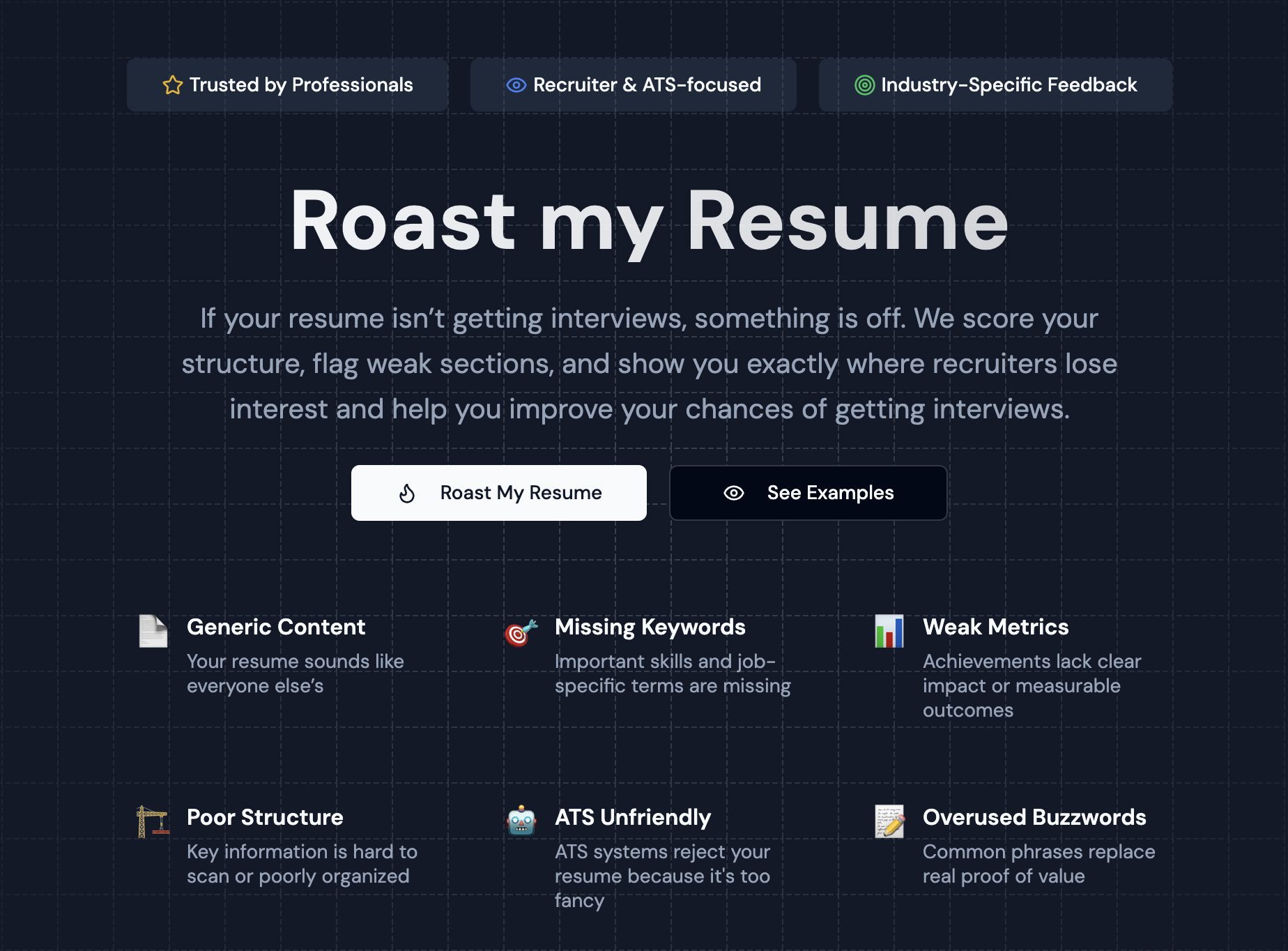
Best for: Brutally honest, AI-powered critique of your resume's content, impact, format, and how it reads to recruiters and hiring managers.
RoastGPT's Roast My Resume is a resume analyzer that behaves less like a generic "score widget" and more like a panel of specialists with strong opinions.
You upload your resume (PDF), choose a persona and industry, and get:
- Overall and category scores (e.g. technical, experience, presentation) so you know which dimensions need work.
- Section-level feedback on summary, experience bullets, skills, and education.
- Persona-driven commentary (e.g. Tech Recruiter, Corporate HR Manager, Senior Developer, Finance Hiring Manager, Office Gossip Queen).
- A breakdown that reads like a tough recruiter and HR audit with actionable fixes and a bit of humor.
Because it looks at structure, clarity, impact, and ATS readiness from a human reading perspective, it fills a gap that raw ATS scores and keyword lists can't: "Does this resume make sense to a recruiter, and does it make them want to call you?"
Use it when:
- You want a fast reality check before you send another batch of applications.
- You need a prioritized list of what to fix first (weak bullets, vague summary, format issues).
- You're trying to understand why you're not getting callbacks, not just that your ATS score is low.
👉 Start with Roast My Resume, fix what the roast calls out, then re-run it or combine it with the tools below for ATS and polish.
2. Jobscan & Teal (ATS & Job-Description Match)
Best for: Checking how well your resume matches a specific job description and what keywords or skills are missing.
Tools like Jobscan and Teal's Resume Checker focus on:
- Comparing your resume to a job posting (paste the JD, get a match score),
- Keyword and skill gaps so you can add missing terms ATS systems look for,
- Format and structure checks (headings, parsing, length),
- Often a free tier with limited scans or a paid tier for more analyses.
They answer: "If I apply to this job, will my resume rank in the ATS and surface the right keywords?"
Where RoastGPT might say "your experience bullets are vague and don't show impact," Jobscan/Teal tell you "this job wants 'project management' and 'stakeholder communication'. You don't have those phrases." Different question, both useful.
How to use alongside RoastGPT:
- Run Roast My Resume to fix content and impact (clarity, bullets, structure).
- Run Jobscan or Teal against a target job description to optimize for that role.
- Update your resume for both: stronger content and better keyword alignment.
3. Grammarly & Writing Clarity Tools (Grammar, Tone, Readability)
Best for: Catching typos, passive voice, and unclear phrasing so your resume reads cleanly.
Grammarly and similar writing tools help with:
- Spelling and grammar,
- Tone and clarity (wordy vs. concise),
- Consistency (e.g. tense, punctuation).
They answer: "Is my resume free of errors and easy to read at a glance?"
A RoastGPT report might say "this bullet is generic" or "add numbers here." Grammarly says "this sentence is too long" or "passive voice." Use both:
- Use Roast My Resume for what to say (impact, structure, recruiter perspective).
- Use Grammarly for how it's written (clean, professional, error-free).
4. Resume Builders with Built-In Analysis (Structure & Format)
Best for: Fixing layout, section order, and "does this look like a real resume?" when your content is already solid.
Many resume builders (e.g. Zety, Resume.io, Kickresume) include:
- Templates that are ATS-friendly and scannable,
- Built-in scores or tips (completeness, section length, keyword hints),
- Export to PDF with consistent formatting.
They answer: "Is my resume structured and formatted in a way that looks professional and parses correctly?"
If your roast keeps flagging "layout is hard to scan" or "sections are inconsistent," a builder can help you standardize. Combine with RoastGPT:
- Use Roast My Resume to improve content and impact.
- Use a builder to lock in format and structure so your improved content looks the part.
5. LinkedIn Profile Optimizers (Consistency & Branding)
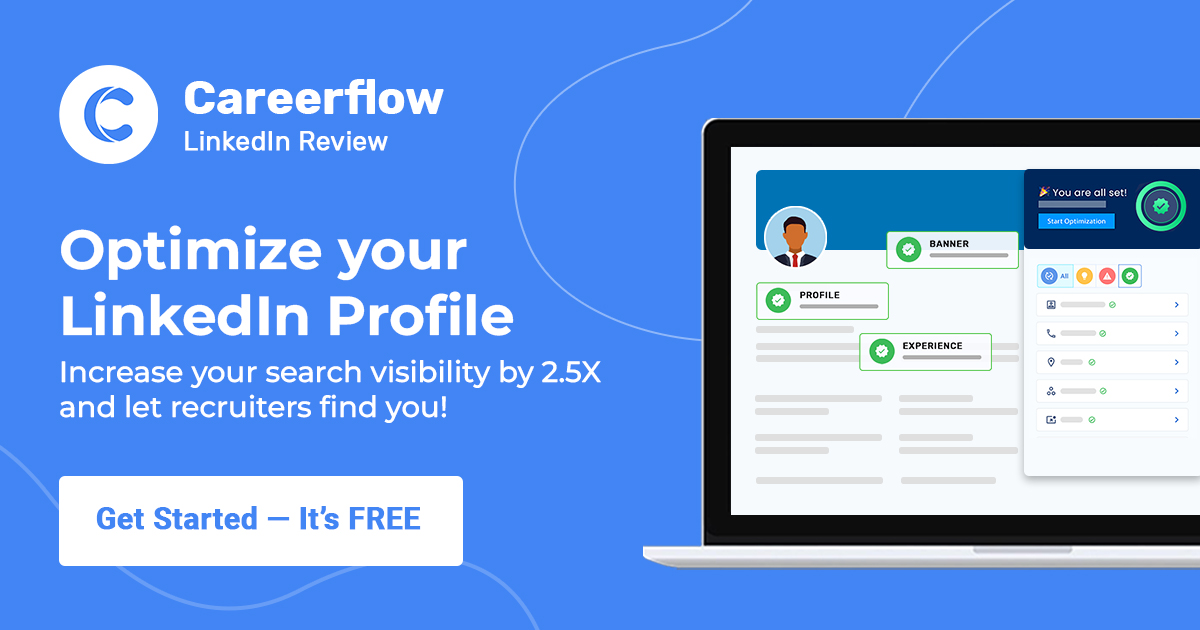
Best for: Making sure your resume and LinkedIn tell the same story and use similar keywords.
Tools that analyze or suggest LinkedIn profile improvements (e.g. LinkedIn's own "Profile Strength," or third-party optimizers) help with:
- Headline and summary alignment with your resume,
- Skill endorsements and keywords,
- Consistency between "resume you send" and "profile they look up."
They answer: "When a recruiter checks my LinkedIn after reading my resume, does it match?"
RoastGPT focuses on the resume document. LinkedIn tools focus on the profile. Use both so your story is consistent everywhere.
6. ChatGPT / General AI (Drafting & Ideation – With Limits)

Best for: Brainstorming bullet points, rewording sections, or generating first drafts. Not for full resume analysis.
ChatGPT and similar general-purpose AI can:
- Suggest stronger action verbs or bullet phrasings,
- Help you quantify past roles ("how do I say I improved X?"),
- Draft a summary or skills section.
They do not replace a dedicated resume analyzer: they don't score your resume, don't simulate recruiter or ATS behavior, and don't give you a section-by-section breakdown. You get generic advice in a few paragraphs.
Use ChatGPT for drafts and ideas; use Roast My Resume for targeted feedback and scores on the actual document.
How to Build a Simple Resume Analyzer Stack
You don't need 10 tools. You need a small, reliable stack you actually use.
Here's a practical setup that covers most cases:
-
RoastGPT for content and impact
- Run Roast My Resume with at least one persona (e.g. Tech Recruiter or Corporate HR Manager).
- Get a prioritized list of weak bullets, vague summary, format issues, and ATS-related content problems.
-
Jobscan or Teal for job-specific ATS and keywords
- Paste a target job description and see keyword gaps and match score.
- Adjust your resume for that role without turning it into keyword stuffing (the roast helps you keep it readable).
-
Grammarly for final polish
- Run it before you submit so grammar, tone, and clarity are clean.
-
Optional: Resume builder for structure
- If the roast keeps calling out layout or scannability, use a builder to lock in a strong template.
With this stack, you're:
- Diagnosing content and impact issues with RoastGPT,
- Optimizing for specific jobs with ATS/keyword tools,
- Polishing with a writing tool,
- Structuring with a builder if needed.
When to Use Which Tool
- Not getting callbacks? Start with Roast My Resume to see what's hurting you (weak bullets, unclear summary, format). Then run an ATS checker against a job you want.
- Applying to one dream job? Run RoastGPT first to strengthen content, then Jobscan/Teal against that job description to align keywords.
- Resume already strong, need a final check? Use RoastGPT for one more pass (e.g. with a different persona like Senior Developer or Finance Hiring Manager), then Grammarly before sending.
Think of RoastGPT as your brutally honest recruiter and HR reviewer; use the other tools to measure and optimize specific dimensions (ATS, grammar, format).
Final Thoughts
There's no single "best resume analyzer" that does everything. But there is a best way to use them:
- Let RoastGPT's Roast My Resume tell you, in plain language, what's weak, vague, or hurting your chances.
- Use ATS and keyword tools to match specific jobs.
- Use grammar and clarity tools to polish.
- Use a builder if you need to fix structure and format for good.
If you want a starting point that doesn't require pasting job descriptions or signing up for multiple services, begin with a roast. Upload your resume to Roast My Resume, pick a persona and industry, and let the AI show you where your resume is silently costing you interviews before you send another application.