

How ATS Systems Scan Resumes
 RoastGPT Team
How Applicant Tracking Systems (ATS) parse, score, and filter resumes. Learn what ATS looks for, what breaks parsing, and how to make your resume ATS-friendly so you get past the gate.
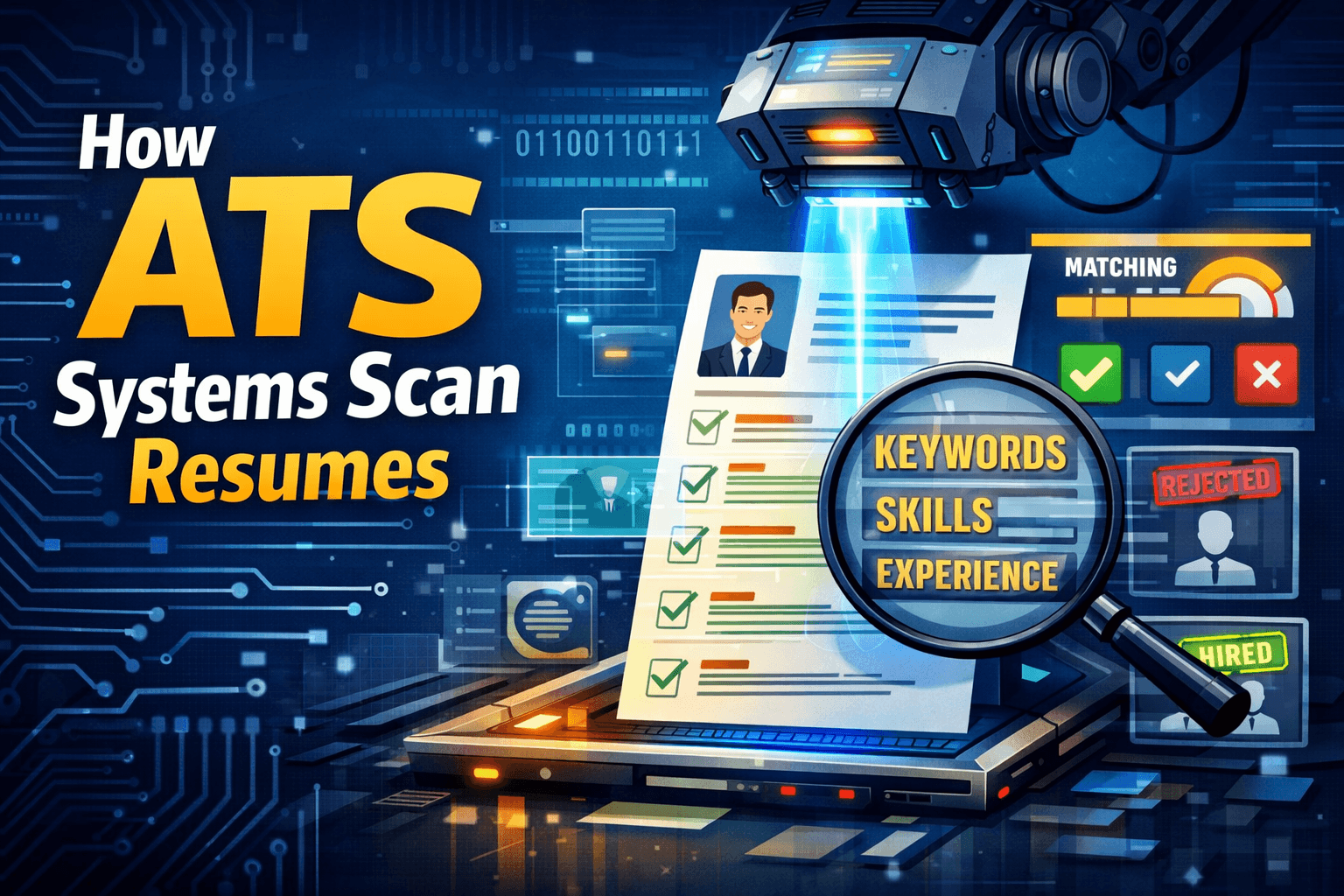
Before a human recruiter sees your resume, it often goes through an Applicant Tracking System (ATS). The ATS doesn't "read" your resume the way you do, it parses it into structured data, matches keywords, and applies rules to rank or filter you. If the system can't scan your resume properly, you're out before anyone looks.
This guide explains how ATS systems scan resumes: what they do step by step, what helps or hurts parsing, and how to make your resume ATS-friendly. We'll also show how RoastGPT's Roast My Resume and the AI Recruiter persona help you see your resume the way an ATS does so you can fix what's blocking you.
What Is an ATS?
An Applicant Tracking System (ATS) is software companies use to collect, store, and screen job applications. When you hit "submit" on a job board or company career page, your resume usually lands in an ATS. The system then:
- Stores your application and attachments
- Parses your resume into structured fields (name, contact, experience, education, skills)
- Scores or filters you based on rules and keyword match to the job
- Surfaces candidates to recruiters (or hides you if you don't meet the bar)
ATS products vary (Workday, Greenhouse, Lever, Taleo, iCIMS, and many others), but the core idea is the same: turn your resume into data, then use that data to decide who gets a human review. Understanding how that scanning works is the first step to getting past it.
Step 1: File Ingestion and Text Extraction
When you upload a resume, the ATS has to get text out of the file. That sounds simple, but it's where many resumes fail.
What the ATS does:
- Accepts common formats (PDF, .docx, sometimes .txt or .rtf)
- Runs text extraction pulling characters and layout from the file
- If the file is a flattened image (e.g. a PDF that's just a picture of your resume), the ATS may use OCR (optical character recognition) to read it. OCR is less reliable: it can misread characters, drop formatting, or fail on fancy fonts.
What helps:
- Real text, not an image – Save your resume as a PDF or .docx where you can select and copy the text. If you can't highlight the text in the PDF, neither can the ATS.
- Standard fonts – System or common fonts (e.g. Arial, Calibri, Georgia, Times New Roman) are easier to parse than decorative or custom fonts.
- Unlocked, non-protected files – Password-protected or restricted PDFs can block extraction entirely.
What hurts:
- Image-only PDFs – You designed your resume in Canva or exported it as an image and then to PDF. The ATS may OCR it poorly or not at all.
- Heavy graphics or infographics – Text inside images doesn't extract as text; the ATS sees blank or garbled content.
If you're not sure whether your file is extractable, roast your resume with the AI Recruiter persona on RoastGPT. The report flags parsing and format issues so you can fix them before the next application.
Step 2: Parsing into Structured Data
Once the ATS has raw text, it tries to parse it into structured fields. That means identifying:
- Name (often the first line or largest text)
- Contact (email, phone, sometimes address or LinkedIn)
- Sections – Work Experience, Education, Skills, Summary, etc.
- Within sections – Job titles, company names, dates, bullet points
How parsing usually works:
- Section detection – The ATS looks for headings that match common labels. "Work Experience," "Professional Experience," "Employment," "Education," "Skills," "Summary" are widely recognized. Unusual headings ("Where I've Been," "My Journey," "Expertise") may not map to the right bucket, so your experience or skills get misattributed or dropped.
- Date and title extraction – Parsers look for date patterns (e.g. "Jan 2020 – Present," "2018-2021") and text that looks like job titles (often the first line under a company name). Inconsistent date formats or titles buried in paragraphs can break this.
- Bullet extraction – Lines that start with bullets or dashes are often treated as achievement or duty items. If your "bullets" are in a table cell or text box, the parser might not see them as part of experience.
What helps:
- Standard section names – Use "Work Experience" or "Professional Experience," "Education," "Skills." Avoid creative or non-standard headers.
- Clear hierarchy – One main heading per section. Subheadings (e.g. "Technical Skills" vs "Soft Skills") are usually fine if they're clearly labeled.
- Simple, linear layout – Single column. No tables, no text boxes, no columns where the parser has to guess reading order.
- Consistent date format – e.g. "Jan 2020 – Present" or "2020 – 2023" throughout. Same style everywhere.
What hurts:
- Tables – Tables are one of the biggest ATS killers. The parser reads cell by cell or row by row and often jumbles the order. Your "Experience" column might end up merged with "Dates" in a way that makes no sense.
- Columns – Two-column layouts (e.g. sidebar with skills, main column with experience) confuse reading order. The ATS may read left column then right, or top-to-bottom in a strange order, so skills and experience get mixed.
- Headers in non-standard places – If "Experience" is inside a text box or graphic, the parser may never tag that section correctly.
- Unusual characters or symbols – Decorative bullets, custom symbols, or emoji can break or confuse parsers.
A resume roast that includes format and ATS compatibility feedback (like the Tech Recruiter or Corporate HR persona) will call out layout and structure issues. The AI Recruiter persona is built to mimic how systems score parsing and keyword match, use it to see how "readable" your resume is to an ATS.
Step 3: Keyword Matching and Scoring
After parsing, many ATS systems score your resume against the job. They compare your text to the job description and sometimes to a set of required or preferred skills the recruiter has defined.
What the ATS does:
- Keyword extraction – Pulls important terms from the job description (skills, tools, certifications, degree requirements, etc.).
- Matching – Compares your resume text to those keywords. Match can be exact (e.g. "Python" in the job and in your resume) or semantic (e.g. "machine learning" and "ML" or "predictive models" treated as related).
- Scoring – Assigns a match score (e.g. 0–100). Recruiters may set a threshold (e.g. "show me candidates above 70%") or rank applicants by score. Low score = fewer eyes on your resume.
What helps:
- Relevant keywords – Use the same terms the job posting uses for skills, tools, and qualifications where they honestly apply. "Python," "project management," "CPA," "RN," etc., depending on the role.
- Keywords in context – Use them in your summary and in your experience bullets, not only in a skills list. "Built Python pipelines for..." reads better to both ATS and humans than a lone "Python" in a list.
- No keyword stuffing – Repeating a keyword 20 times can trigger spam filters or look unnatural. Use keywords naturally in sentences and bullets.
What hurts:
- Missing key terms – If the job asks for "SQL" and you only say "databases," the ATS may not count it. If it asks for "Bachelor's degree" and you have one but don't say "Bachelor" or "BS/BA," you might be filtered out.
- Jargon or abbreviations only – Some ATS match on exact strings. "PM" might not match "project management." Where it's natural, use both once (e.g. "Project Manager (PM)").
- Generic copy – "Hardworking team player" doesn't match job-specific keywords. Replace filler with role-relevant skills and outcomes.
RoastGPT's Roast My Resume AI Recruiter persona is built to evaluate keyword density, semantic match, and "ATS-style" ranking. It won't see the exact job description you're applying to, but it will show you whether your resume is keyword-rich and parse-friendly enough to rank and what's blocking you.
Step 4: Filtering and Ranking
Different ATS products handle the next step differently. In general they may:
- Filter – Exclude candidates below a score, or who lack "required" fields (e.g. "degree: not found").
- Rank – Sort applicants by match score so recruiters see "best" matches first.
- Tag or segment – E.g. "Technical skills: strong," "Experience: 5+ years." Recruiters can then search or filter by these tags.
Your goal is to pass the gate (parsing + minimum match) and rank high enough that a human actually opens your resume. That comes back to: clean structure, standard sections, real text, and relevant keywords, all of which we've covered above.
What Recruiters See After the ATS
Often the recruiter doesn't see your original PDF first. They see an ATS-generated profile: the parsed fields (name, contact, work history, education, skills) in the system's layout. If parsing failed, that profile is wrong or empty and they may not bother to open the attachment.
So "how ATS systems scan resumes" isn't just a technical detail. It directly controls what data recruiters have to judge you on. Give the ATS clean, standard input and you give recruiters an accurate picture. Messy parsing = wrong or missing data = you get skipped.
Checklist: Making Your Resume ATS-Friendly
Use this as a quick audit before you submit:
| Do this | Avoid this |
|---|---|
| Save as PDF or .docx with selectable text | Image-only PDFs or flattened graphics |
| Use standard section headers (Experience, Education, Skills) | Creative or unusual section names |
| Single column, linear layout | Tables, text boxes, multi-column layouts |
| Consistent date format (e.g. Jan 2020 – Present) | Mixed or inconsistent date styles |
| Keywords from the job in summary and bullets (where true) | Only generic or filler language |
| Standard fonts (Arial, Calibri, Georgia, etc.) | Decorative or rare fonts |
| Real bullet points (not in table cells) | Bullets hidden in tables or graphics |
If you're not sure how your resume holds up, run it through a tool built to mimic ATS and recruiter logic. Roast your resume with the AI Recruiter persona on RoastGPT to get a cold, mechanical take on parsing, keyword match, and ranking, and to see exactly what to fix.
How to Test Your Resume for ATS
You can't log into a company's ATS, but you can simulate how systems and recruiters scan resumes:
- Check selectable text – Open your PDF. Can you highlight and copy all the text? If not, the ATS may struggle too.
- Check section headers – Do you use "Work Experience," "Education," "Skills" (or close variants)? If you use "Where I've Worked" or "My Skills," consider changing to standard labels.
- Remove tables and columns – If your layout uses tables or multiple columns, try a single-column version and see if it still reads well. It almost always will to both ATS and humans.
- Run a resume roast with ATS focus – Use Roast My Resume and choose the AI Recruiter persona. It's built to evaluate ATS compatibility, keyword optimization, and parsability. Fix what it flags, then roast again to confirm.
Summary
ATS systems don't read your resume like a human. They extract text, parse it into fields, match keywords, and score or filter you. Your job is to make that process easy: use a file with real text, a simple layout, standard section names, consistent formatting, and relevant keywords. Avoid tables, columns, image-only PDFs, and creative headers that break parsing.
Once you understand how ATS systems scan resumes, you can design your resume to pass the gate and rank. For a fast, practical check, Roast My Resume with the AI Recruiter persona gives you ATS-style feedback so you can fix what's blocking you before your next application.