
Why Your Call-To-Action Isn’t Working
 RoastGPT Team
Traffic but no clicks? Here are the most common reasons your landing page CTAs fail, from weak copy and low contrast to bad timing and wrong offers and how to fix them using RoastGPT’s landing page roast.
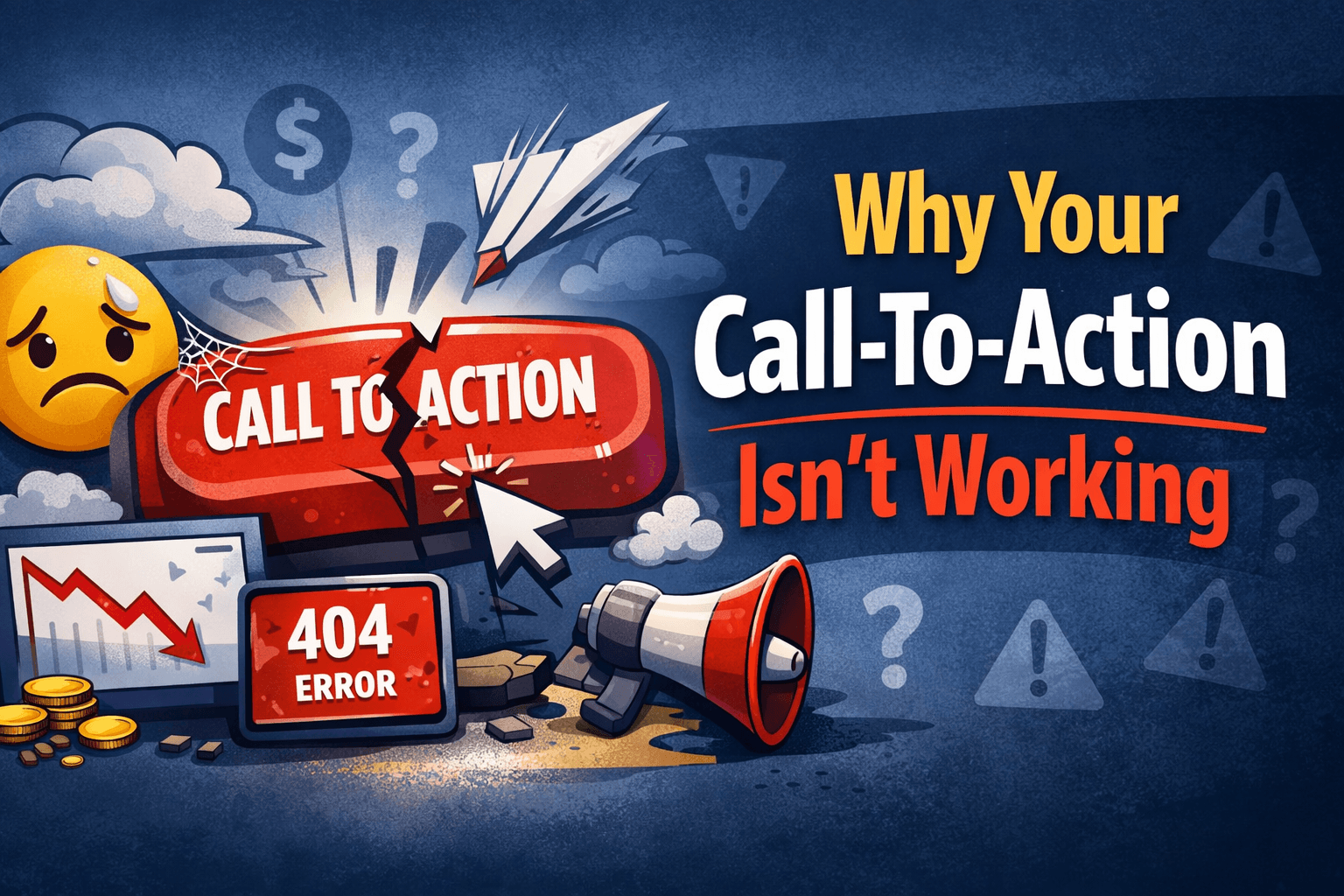
You’ve got traffic. Your design looks decent. Your offer is solid. But the numbers don’t lie: almost nobody is clicking your call-to-action.
If you’ve ever stared at your analytics wondering, “Why is nobody hitting this button?”, you’re not alone. After roasting hundreds of pages on Roast My Landing Page, we see the same CTA issues over and over no matter the industry.
This article breaks down why your call-to-action isn’t working, how to spot each problem on your own page, and how to fix it. When you’re ready to get brutally honest feedback, you can run your page through a landing page roast and let the Conversion Consultant and Copywriting Comedian personas call your CTA out directly.
1. Your CTA Isn’t Visually the Most Important Thing on the Page
A call-to-action is not just a button, it’s the visual climax of your page. If it doesn’t look like the main thing you want people to do, they won’t treat it that way.
What we see in roasts:
- CTAs that use the same color as secondary buttons or links
- Buttons that are the same weight as everything else in the section
- Competing elements (secondary CTAs, card links, ghost buttons) that steal attention
Why this kills clicks:
Eye-tracking studies and our own roasts agree: users follow contrast and size. If your CTA doesn’t “win” the section visually, the rest of the page quietly dilutes it. In RoastGPT reports, this shows up as comments like “CTA is visually buried” or “Primary action competes with secondary options.”
How to fix it:
- Choose one primary button style and reserve it for your main CTA.
- Use high contrast against the background (not just a slightly darker shade).
- Make the primary CTA larger and bolder than secondary actions.
- Limit each major section to one clear primary action.
If you’re not sure whether your CTA stands out, run your page through Roast My Landing Page and pay attention to what the Grumpy UX Designer and Conversion Consultant say about your layout.
2. Your CTA Copy Is Vague, Passive, or Generic
People don’t click buttons because they exist. They click because the button clearly promises something they want.
What we see in roasts:
- Buttons that say “Learn more,” “Submit,” “Next,” or “Continue” with no context
- CTAs that sound like internal labels instead of user benefit (“Create account,” “Send form”)
- Microcopy that doesn’t answer “what happens when I click?”
Why this kills clicks:
Vague copy forces users to guess what will happen next. That guess usually leans conservative: “I’ll deal with this later.” Strong CTA copy reduces cognitive load and uncertainty.
How to fix it:
- Use action + outcome: “Get my free audit,” “Start 14‑day trial,” “See pricing,” “Generate my report.”
- Make the text about the user, not your system (“Get my report” > “Generate report”).
- Match the verb to the commitment level: “Preview,” “See example,” or “Try it” feel safer than “Buy now” when users are early in the journey.
If your CTAs read like system defaults, the Copywriting Comedian persona on Roast My Landing Page will absolutely roast them and give you better alternatives.
3. The CTA Is Asking for Too Much, Too Soon
Sometimes the button is clear, it’s just too big of a step for where the visitor is.
What we see in roasts:
- “Book a sales call” as the only CTA for cold traffic
- “Request enterprise quote” on a homepage that hasn’t explained pricing at all
- “Create account” before showing what the product actually does
Why this kills clicks:
Conversion is about matching commitment to readiness. If the first thing you ask for is time, money, or a long form, most visitors aren’t ready yet. They bounce instead of saying “no” out loud.
How to fix it:
- Add a lower-commitment primary CTA for top-of-funnel traffic: “See how it works,” “Watch 2‑min demo,” “Try it free,” “See examples.”
- Use higher-commitment CTAs (“Talk to sales,” “Book a strategy call”) later in the journey or on dedicated pages.
- Consider a two-step CTA: first “Get free audit,” then a short form after they click.
The Conversion Consultant persona on Roast My Landing Page is designed to spot this mismatch between ask and readiness.
4. Your CTA Is in the Wrong Place (or Only in One Place)
CTAs don’t just need to exist, they need to appear at the right moments in the scroll.
What we see in roasts:
- Only one CTA at the very bottom of the page
- Long sections of copy or features with no obvious next step
- “Dead ends” where interest peaks but there’s nothing actionable nearby
Why this kills clicks:
People don’t all decide at the same spot. Some are ready after the hero, others after seeing pricing or proof. If there’s no CTA near the moment of decision, the moment passes.
How to fix it:
- Put a primary CTA in the hero above the fold.
- Repeat a CTA (or a variation) after key sections: social proof, feature overview, pricing.
- Avoid long stretches of content with no clickable path forward.
When you roast your landing page, look for comments about “dead zones” or “no clear next step after this section.” Those are placement problems, not just copy issues.
5. Your Page Doesn’t Build Enough Trust Before the CTA
A CTA is a decision point. If the visitor doesn’t trust you yet, they won’t click no matter how pretty the button is.
What we see in roasts:
- CTAs that appear before any social proof or credibility markers
- No testimonials, logos, guarantees, or clarity about what happens next
- Free trials that still feel risky because terms are unclear
Why this kills clicks:
Users are constantly asking: “Is this legit? Will this waste my time? Will this spam me?” If your CTA appears in a trust vacuum, the safe move is to ignore it.
How to fix it:
- Add social proof (logos, testimonials, review snippets) before or near key CTAs.
- Clarify what happens next: “No credit card required,” “Takes 2 minutes,” “Cancel anytime.”
- Use microcopy near the button to reduce risk: “We’ll never share your email,” “You can unsubscribe in one click.”
The Brand Therapist and Confused Customer personas on Roast My Landing Page often flag CTAs that appear before trust is earned.
6. There’s No Sense of “Why Now?”
A CTA with no urgency feels optional. Optional things get postponed and postponed usually means forgotten.
What we see in roasts:
- Copy that explains the offer but never hints at timing
- “Sign up when you’re ready” energy everywhere
- No time-bound reason, even when one exists (launch offer, limited spots, etc.)
Why this kills clicks:
Without urgency, users tell themselves they’ll come back later. Most never do. You don’t have to be pushy, but you do need a reason to act today.
How to fix it:
- Use authentic urgency: “Founding member pricing until March 31,” “Limited beta spots,” “Get your report in under 2 minutes.”
- Add urgency near CTAs, not buried in a paragraph users might skip.
- Avoid fake timers or scarcity that’s obviously manufactured, they backfire and hurt trust.
If your page feels like it could wait forever, the Conversion Consultant persona will call that out in a roast.
7. Your CTA Fights With Other Options
Sometimes the problem isn’t your CTA, it’s all the other things your page is asking people to do.
What we see in roasts:
- Nav bars full of links to blog, docs, careers, and everything else
- Multiple competing CTAs in the same section (“Book demo,” “See pricing,” “Join newsletter”) with equal styling
- Sidebars, popups, or banners that distract from the main action
Why this kills clicks:
Choice isn’t always good. Too many equal options create decision paralysis. Users wander or leave instead of committing.
How to fix it:
- Decide on one primary conversion goal for the page and style that CTA accordingly.
- Demote or remove CTAs that don’t support that primary goal.
- Simplify navigation on focused landing pages (you don’t need your entire site header on every campaign page).
Run a landing page roast and see how the Grumpy UX Designer and Conversion Consultant talk about focus and competing actions.
8. Your CTA Doesn’t Match the Page’s Promise
If what the page promises and what the button says don’t line up, users hesitate.
What we see in roasts:
- Pages positioned as “quick audits” but the CTA says “Book sales call”
- Headlines that promise simplicity, CTAs that hint at a long or complex next step
- Content about education (“Learn”) but a CTA about commitment (“Join now”)
Why this kills clicks:
Conversion depends on message match. When the CTA feels like a bait-and-switch, even subtle, people sense friction and bail.
How to fix it:
- Make sure your CTA language reflects the promise of the page: if you promise a quick overview, offer “See 2‑min demo,” not “Talk to sales.”
- Re-read your hero, body copy, and CTA together. Does the button feel like the natural next step?
- Use a roast to sanity-check this: the Confused Customer persona is ruthless about message mismatch.
9. The CTA Experience After Click Is Bad
Sometimes the problem isn’t the button, it’s what happens after the click.
What we see in roasts:
- CTAs that lead to generic homepages or irrelevant pages
- Buttons that drop users into long, intimidating forms without warning
- Modals or flows that look completely different from the landing page (design whiplash)
Why this kills conversions:
If the post-click experience feels like a trap or a totally different product, users close the tab. You might get clicks, but you won’t get completions.
How to fix it:
- Make sure each CTA points to a purpose-built destination (e.g. a short, relevant form, a demo video page, or a focused signup flow).
- Keep visual and copy continuity between the landing page and the destination.
- Set expectations before the click: “Takes 60 seconds,” “3 quick questions,” “No login required.”
While RoastGPT focuses on the landing page itself, you can still use it to evaluate whether the promise and post-click experience feel aligned.
10. You Haven’t Actually Tested Alternatives
Finally, a painful truth: some CTAs underperform simply because they were never tested. They were the first idea, not the best one.
What we see in roasts:
- CTAs kept for months or years with no iteration
- Teams debating color or copy based on opinions, not outcomes
- No experiments tied to hero, CTA, or layout changes
Why this kills clicks:
What works on one audience, product, or offer may flop on another. Without testing, you’re guessing.
How to fix it:
- Treat your CTA like a product feature: version it and test it.
- Start with high-impact variations: copy (“Get my report” vs “See my score”), placement (above fold vs mid-page), and contrast.
- Use Roast My Landing Page as a qualitative layer alongside your quantitative A/B tests.
What to Do Next
If your call-to-action isn’t working, it’s almost never one single issue. It’s usually a combination of visibility, copy, timing, trust, and focus.
Here’s a simple path forward:
- Run a roast on Roast My Landing Page with the Conversion Consultant (and optionally Copywriting Comedian) persona.
- Fix what’s obvious: broken buttons, low-contrast CTAs, vague copy, missing trust text around the button.
- Refine the strategy: align CTA with the page promise, add urgency where it’s genuine, and remove competing actions.
- Test variations of copy, color, and placement once the fundamentals are solid.
The goal isn’t just to have a button. It’s to have a call-to-action that people are excited and comfortable to click.