
Why Your Landing Page Isn't Converting
 RoastGPT Team
Traffic but no signups? Here are the most common reasons landing pages don't convert. From unclear value props and weak CTAs to trust gaps and friction, and how to find and fix yours with a landing page roast.
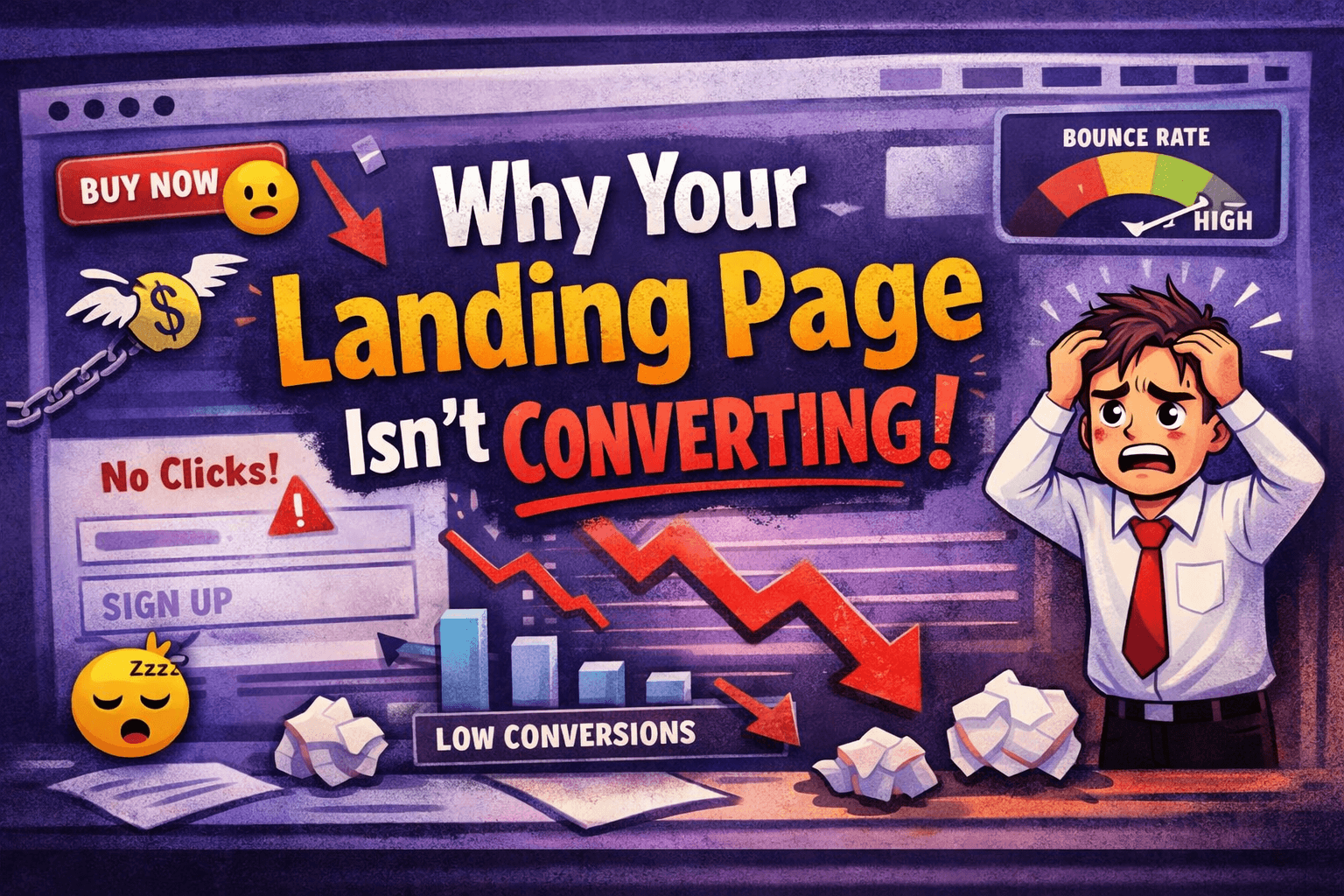
You’re getting traffic. Maybe lots of it. But signups, demos, or sales? Not so much. So you ask the question everyone asks: why isn’t my landing page converting?
The answer is rarely “your product is bad.” Usually it’s one or more of the same issues we see over and over when we roast landing pages on RoastGPT: unclear value proposition, weak or broken CTAs, missing trust, copy that doesn’t speak to outcomes, friction in the flow, or UX that gets in the way. This article walks through the most common reasons and how to pinpoint yours—then fix it.
1. Visitors Don’t Get “What’s In It For Me” in 3 Seconds
If someone lands on your page and has to scroll or guess to understand what you do and why they should care, you’ve already lost a big chunk of them. Conversion depends on instant clarity: one clear value proposition above the fold.
What goes wrong: Vague headlines (“We help businesses grow”), jargon, or a hero that tries to say everything and ends up saying nothing. Sometimes the main benefit is buried in paragraph two or three.
How to know if this is you: Ask a stranger to look at your page for 5 seconds, then say what you do and why it matters. If they can’t, your hero isn’t doing its job. Or roast your landing page and run it with the Confused Customer or Marketing Guru persona, they’ll tell you exactly where the message gets fuzzy.
Fix: One headline that states the offer or outcome. One subline that spells out the benefit. No buzzwords. Then test again.
2. Your CTA Is Invisible, Weak, or Broken
The moment of conversion is the button or link you want them to click. If that CTA is hard to find, looks like everything else on the page, or—worse—doesn’t work, you get zero conversions no matter how good the rest of the page is.
What goes wrong: “Learn more” in gray on gray, a CTA that’s tiny or tucked at the bottom, or buttons that don’t go anywhere when clicked. We’ve seen this in dozens of roasts: the CTA exists, but it doesn’t stand out or it’s broken.
How to know if this is you: Click every primary button on your page. Do they work? Are they the most visible, highest-contrast element in their section? Run a landing page roast with the Conversion Consultant persona, it’s built to call out weak or missing CTAs.
Fix: One primary CTA per section. Action-oriented copy (“Start free trial,” “Get the guide”). High contrast. And make sure every button actually works.
3. You’re Not Building Trust Before You Ask for the Click
People don’t convert until they trust you enough to give an email, money, or time. If your page jumps straight to “Sign up” without proof, clarity, or reassurance, hesitation wins.
What goes wrong: No testimonials, no logos, no results. Or vague social proof (“Loved by thousands”) with no names or outcomes. Security, guarantees, or refunds are buried in the footer or missing entirely.
How to know if this is you: Read your page as a skeptic. Would you hand over your email or card? If not, your visitors won’t either. The Brand Therapist and Conversion Consultant personas on Roast My Landing Page often flag exactly where trust is missing.
Fix: Add real testimonials (name, role, result). Show customer or partner logos where it’s genuine. Mention security, guarantees, or certifications near the CTA. Make it obvious you’re legitimate before you ask for the action.
4. Your Copy Talks About You, Not About Them
Features and capabilities are fine but conversion copy leads with what the visitor gets: the outcome, the result, the problem solved. If your page reads like a spec sheet or a company manifesto, visitors tune out.
What goes wrong: Long paragraphs about “our platform,” “our technology,” or “we’re innovative.” Headlines that could fit any competitor. No clear “so that you can…” or “so that you get…”.
How to know if this is you: Highlight every “we,” “our,” and “us” on your page. If it outweighs “you” and “your,” the copy is probably not conversion-focused. The Copywriting Comedian and Marketing Guru personas are built to roast exactly this: copy that talks a lot but doesn’t make people click.
Fix: Reframe features as benefits. Lead with the outcome for the user. One clear idea per section. Then roast the page again and see if the conversion and readability scores improve.
5. There’s Too Much Friction Between “Interested” and “Converted”
Even when someone wants to say yes, friction can stop them. Too many form fields, confusing navigation, too many choices, or a flow that feels long or unclear.
What goes wrong: Forms with 10+ required fields, no progress indicator on multi-step forms, or a nav so cluttered that “Sign up” or “Pricing” is hard to find. Sometimes the next step isn’t obvious, so users bounce instead of continuing.
How to know if this is you: Fill out your own form. How many fields? How many clicks to get to the CTA? Is the path from “I’m interested” to “I did it” obvious? The Form Flow Inspector and Grumpy UX Designer on Roast My Landing Page specialize in friction—forms, nav, and flow.
Fix: Ask only what you need for this step. Simplify navigation (5–7 top-level items). One primary CTA per section. Make the path to conversion short and clear.
6. UX Problems Are Blocking the Message
Sometimes the offer and copy are fine, but usability gets in the way: poor hierarchy, low contrast, broken mobile layout, or interactions that feel broken or confusing. People leave not because they don’t want what you’re selling, but because the page is hard to read or use.
What goes wrong: Everything looks the same size and weight. Text is hard to read (low contrast). On mobile, buttons are tiny or the layout is cramped. Carousels have no scroll hint; buttons have no hover state. The page feels “off” even if the words are good.
How to know if this is you: Test on a real phone. Check contrast with a tool like WebAIM. See if first-time visitors can find the CTA without scrolling randomly. Run a roast with the Unimpressed UI Designer, Accessibility Advocate, or Mobile-First Inspector—they’ll call out hierarchy, contrast, and mobile issues.
Fix: Clear heading levels and contrast (at least 4.5:1 for body text). Tap targets at least 44×44px on mobile. Obvious hover and focus states. One clear visual path to the CTA.
7. You’re Speaking to the Wrong Person (or No One in Particular)
If your messaging tries to appeal to “everyone,” it often resonates with no one. Conversion improves when the page clearly says who it’s for and what they get.
What goes wrong: Generic positioning that could apply to any company. No “for [role]” or “for [industry].” Headlines and body copy that don’t signal “this is for people like me.”
How to know if this is you: Can you write one sentence: “This page is for [audience] who want [outcome]”? If not, your page probably can’t either. The Marketing Guru and Confused Customer personas on Roast My Landing Page are built to flag vague or audience-less positioning.
Fix: Name your primary audience. Write one sharp positioning line. Make sure the hero and key sections speak directly to that person’s outcome.
8. The Page Is Slow or Feels Heavy
Speed and perceived performance matter. If the page takes forever to load or feels sluggish, some visitors leave before they’ve even read the headline. Others lose momentum and don’t scroll to the CTA.
What goes wrong: Huge images, too many scripts, or render-blocking resources. Pages that take 5+ seconds to become usable. No loading or feedback when they click.
How to know if this is you: Test with Lighthouse or similar. Load the page on a slow connection or an older device. If you wouldn’t wait, your visitors won’t either. Our Performance Guru and Speed Freak personas in Roast My Landing Page focus on exactly this.
Fix: Optimize images (format, size, lazy load). Defer non-critical JS. Trim unused CSS. Aim for a fast LCP and a responsive feel.
How to Find Your Reason (Instead of Guessing)
You might have one of these issues or several. The fastest way to stop guessing is to get structured feedback on your actual page: scores and section-level comments on hero, nav, CTAs, copy, trust, hierarchy, forms, mobile, and performance.
That’s what Roast My Landing Page does. You paste your URL, pick a persona (e.g. Conversion Consultant for “why aren’t people converting?” or Grumpy UX Designer for “what’s broken in the flow?”), and get a report that tells you exactly where you’re losing people. No generic advice—feedback tied to your layout, your copy, and your CTAs.
You can roast your landing page for free, then fix the biggest issues and roast again with a different persona to stress-test specific areas (e.g. trust, mobile, or copy). Many of the “why isn’t my page converting?” questions we see are answered in the first roast.
Summary: Why Landing Pages Don’t Convert
| Reason | What’s going wrong | Persona to try |
|---|---|---|
| Unclear value prop | Hero doesn’t answer “what’s in it for me?” | Confused Customer, Grumpy UX Designer |
| Weak or broken CTA | Button is invisible, generic, or doesn’t work | Conversion Consultant |
| No trust | Missing proof, testimonials, or reassurance | Brand Therapist, Conversion Consultant |
| Copy about you, not them | Features over outcomes; no “you” focus | Copywriting Comedian, Marketing Guru |
| Too much friction | Long forms, confusing nav, unclear next step | Form Flow Inspector, Grumpy UX Designer |
| UX blocks the message | Hierarchy, contrast, mobile, or interaction issues | Unimpressed UI Designer, Accessibility Advocate, Mobile-First Inspector |
| Wrong audience | Generic positioning; no “who this is for” | Marketing Guru, Confused Customer |
| Slow or heavy page | Load time or perceived performance | Performance Guru, Speed Freak |
If your landing page isn’t converting, it’s usually one or more of these. Find out which with a landing page roast, fix the top issues, then measure again.