

Resume Formatting Mistakes (And How to Fix Them)
 RoastGPT Team
Common resume formatting mistakes that hurt ATS and recruiters: tables, multi-column layout, wrong fonts, no white space, inconsistent spacing, and more. Fix them and verify with a free resume roast.
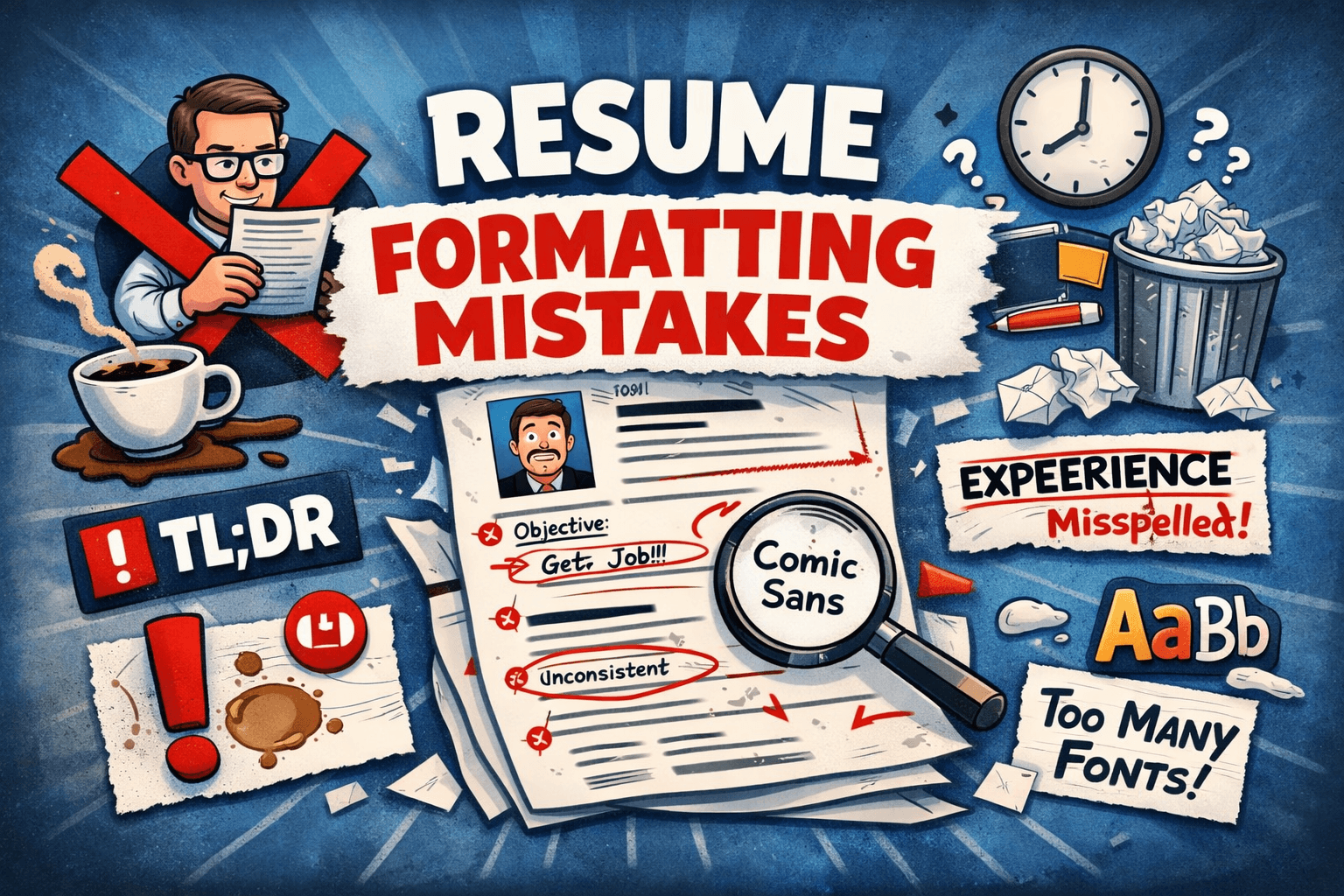
Formatting isn’t just “how it looks.” Bad layout, wrong file type, and inconsistent structure can make your resume unreadable by ATS systems and hard to scan for recruiters. This article breaks down the resume formatting mistakes we see most often in RoastGPT’s resume roasts: layout, fonts, spacing, sections, and file choices and how to fix them so your format works instead of against you.
1. Using Tables or Text Boxes for Layout
The mistake: Building your resume in a table (e.g. two columns: “Experience” on the left, “Dates” on the right) or putting blocks of text in text boxes or frames. It looks neat in Word or Google Docs, but ATS parsers read cell-by-cell or in the wrong order. Your experience can end up jumbled, merged with dates, or dropped entirely.
Why it hurts: Tables are one of the biggest ATS killers. Recruiters may see a mess when they open the parsed version. No amount of great content helps if the system can’t read the structure. See how ATS systems scan resumes for the technical details.
Fix: Use a single-column, linear layout. No tables. No text boxes. Standard headings and plain paragraphs or bullet lists. Roast your resume with the AI Recruiter persona to see how parseable your layout is and what’s blocking the ATS.
2. Multi-Column Layouts That Break Reading Order
The mistake: Two or three columns (e.g. sidebar with contact + skills, main column with experience). On screen it looks organized, but ATS and some PDF readers don’t always follow visual order. They may read left-to-right across columns, so “Skills” and “Experience” get mixed together.
Why it hurts: Parsed content ends up in the wrong sections. Recruiters see a confusing export. Scannability fails.
Fix: Single column from top to bottom. Put contact at the top, then summary (if you use one), experience, education, skills. No sidebars. If you want a compact look, use a simple linear layout with clear section headers. Roast your resume to confirm the structure parses correctly.
3. Non-Standard or Missing Section Headers
The mistake: Creative headers (“Where I’ve Been,” “My Journey,” “Expertise”) or no clear headers at all. ATS systems look for standard labels to map your content to “Experience,” “Education,” “Skills.” Unusual or missing headers mean your experience or skills can be misattributed or dropped.
Why it hurts: The parser doesn’t know where to put your content. You fail the machine before a human ever sees you.
Fix: Use standard section names: “Work Experience” or “Professional Experience,” “Education,” “Skills.” Optionally “Summary” at the top. One clear heading per section. For more on what ATS expects, read how ATS systems scan resumes. Then roast your resume with the AI Recruiter to check section detection.
4. Image-Only or Flattened PDFs
The mistake: Designing your resume in Canva, Figma, or similar and exporting as PDF or saving as PDF in a way that flattens text into an image. When you open the PDF, you can’t select or copy the text. The ATS has to use OCR (optical character recognition), which is unreliable and can misread or drop content.
Why it hurts: If you can’t highlight the text in your PDF, the ATS often can’t either. You’re filtered out or parsed wrong before anyone reads you.
Fix: Save as PDF with selectable text (or use .docx). Create your resume in Word, Google Docs, or a resume builder that exports real text. Before submitting, open the PDF and try to select a line of text if you can’t, fix the export. Roast your resume; our system needs to read your file too, so you’ll quickly see if something’s wrong.
5. Inconsistent Spacing and Margins
The mistake: Different spacing between sections, inconsistent margins (narrow on one page, wide on the next), or random gaps that make the resume feel messy. Inconsistency reads as careless and makes the document harder to scan.
Why it hurts: Recruiters spend seconds on a first pass. Inconsistent formatting makes it harder to find the important information and signals a lack of attention to detail.
Fix: One margin size (e.g. 0.5–1 inch) on all sides. Consistent spacing between sections (e.g. one blank line or a fixed space after each heading). Same spacing between bullets. Use the same style for every role (e.g. company name, then title, then dates, then bullets). Roast your resume with the Tech Recruiter or Corporate HR persona to flag layout and scannability issues.
6. Too Many Fonts or Unreadable Font Choices
The mistake: Three or four different fonts, or a decorative/script font for headings. Tiny font size (below 10pt) or huge blocks of bold. ATS and recruiters expect clear, readable text. Fancy or inconsistent fonts can break parsing and hurt readability.
Why it hurts: Hard to read = easy to skip. Unusual fonts can also parse poorly. Consistency and clarity matter more than “standing out” with type.
Fix: One or two fonts max. One for headings, one for body (or the same for both). Use standard, readable fonts: Arial, Calibri, Georgia, Times New Roman. 10–12pt for body, slightly larger for your name and section headers. No script or decorative fonts. Roast your resume to see how your format scores on clarity and structure.
7. No Clear Visual Hierarchy
The mistake: Everything the same size and weight. No distinction between your name, section headers, job titles, and body text. Recruiters don’t know where to look first.
Why it hurts: Without hierarchy, the eye has no path. Key info (current role, company, dates) doesn’t pop. You fail the quick scan.
Fix: Name at top, largest (e.g. 18–22pt). Section headers in bold, slightly larger than body (e.g. 12–14pt). Job titles bold; company and dates on the same line or right below. Bullets in regular weight, one level of indentation. One clear visual path from top to bottom. Roast your resume with the Tech Recruiter to get feedback on scannability and structure.
8. Inconsistent Date or Bullet Formatting
The mistake: Dates in different formats (“Jan 2020 – Present,” “2020-2021,” “01/2020 to 01/2021”). Bullets that mix symbols (•, -, *, ·) or sometimes no bullets at all. Inconsistency looks sloppy and can confuse parsers.
Why it hurts: ATS systems look for date patterns to build timelines. Inconsistent dates make parsing harder. Inconsistent bullets make the document feel unpolished.
Fix: One date format throughout (e.g. “Jan 2020 – Present” or “2020 – 2023”). One bullet style for all experience bullets. Same alignment and indentation for every role. Roast your resume to catch consistency issues before a recruiter does.
9. Wrong Page Length or Awkward Breaks
The mistake: Three pages when you have under 10 years of experience, or one page that’s so cramped nothing breathes. A single bullet or heading stranded alone on page 2 (“orphan”) or a big block of text split awkwardly across a page break.
Why it hurts: Too long = recruiters may not read it all. Too cramped = hard to scan. Orphans and bad breaks look unprofessional.
Fix: One page for early career (e.g. under 5–7 years), two pages for senior if you have enough relevant experience. Avoid a single line or heading alone on the next page; adjust spacing or trim a bullet so sections break cleanly. Roast your resume to get feedback on length and structure.
10. Headers, Footers, or Graphics That Interfere With Parsing
The mistake: Your name or contact info only in a header or footer. Decorative lines, logos, or graphics that split the page. Some ATS systems don’t parse headers and footers reliably, so your name or contact can go missing. Graphics can break reading order or extract as blank space.
Why it hurts: If your name or email is only in the header/footer, the ATS might not capture it. You get dropped or merged with another applicant. Graphics add no value to the parser and can hurt layout.
Fix: Put name and contact at the top of the body (below any header), in plain text. No critical information only in header/footer. Avoid decorative lines or logos unless you’re in design/creative and it’s a conscious choice; keep the main resume text-based and linear. Roast your resume with the AI Recruiter to see how your file parses and what might be missing.
Summary: Fix the Format, Then Verify With a Roast
Resume formatting mistakes are fixable: no tables or text boxes, single column, standard headers, PDF with selectable text, consistent spacing and fonts, clear hierarchy, consistent dates and bullets, sensible page length, and no critical info only in headers/footers.
For a deeper look at why layout and structure matter to ATS, read how ATS systems scan resumes. Once you’ve applied these fixes, roast your resume on RoastGPT and get scores plus section-level feedback in about a minute. Use the report to confirm your format is ATS-friendly and scannable before you send your next application.