

UX Roast vs Conversion Roast – What’s the Difference?
 RoastGPT Team
Not all landing page roasts are the same. Learn the difference between a UX roast and a conversion roast, when to use each, and how to combine them using RoastGPT’s personas.
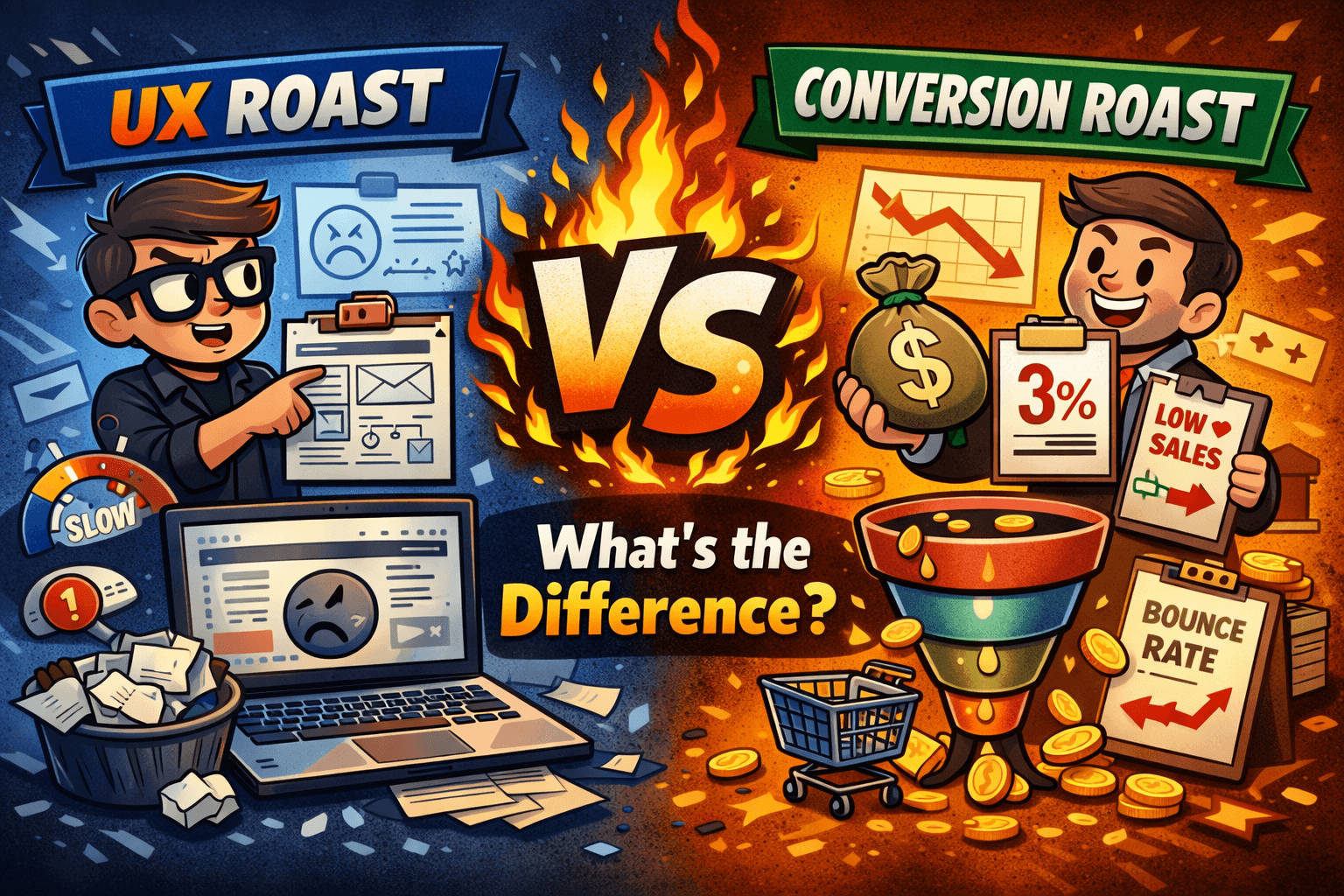
If you’ve spent any time around landing pages, you’ve probably heard two kinds of feedback requests:
- “Can someone roast the UX of this page?”
- “Can someone roast my conversions and tell me why nobody is signing up?”
On RoastGPT’s Roast My Landing Page, we see both of these needs show up every day. Some people want to know whether their layout, navigation, and mobile experience make sense. Others want to know whether their offer, messaging, trust, and CTAs are strong enough to convert real traffic.
Those are related questions—but they’re not the same question.
This article breaks down the difference between a UX roast and a conversion roast, how RoastGPT handles each one through personas, and when you should use one, the other, or both on the same landing page.
What Is a UX Roast?
A UX roast looks at how the page feels and functions to a real human trying to use it. It’s about:
- Can I tell what this page does?
- Can I move around without getting lost?
- Does this work well on my phone?
- Do the interactions feel modern and responsive?
On Roast My Landing Page, a UX roast is what you get when you choose personas like:
- Grumpy UX Designer – Obsessed with flows, clarity, and friction.
- Unimpressed UI Designer – Layout, spacing, visual hierarchy, and overall polish.
- Accessibility Advocate – Contrast, structure, semantic markup, and inclusive experience.
- Mobile-First Inspector – One-handed use, thumb reach, and responsive behavior.
- Form Flow Inspector – How painful or smooth your forms are to complete.
- Motion Design Critic – Whether animations guide or distract.
What a UX Roast Focuses On
A UX-focused roast typically calls out things like:
- Confusing or overloaded navigation.
- Poor visual hierarchy (everything looks equally important).
- Low-contrast text that’s hard to read.
- Unclear or hidden interaction cues (e.g. carousels with no arrows).
- Clunky mobile layouts and tiny tap targets.
- Forms that feel long, intimidating, or fragile.
In other words, it’s less about “Will this page convert?” and more about “Is this page usable, understandable, and pleasant to use?”
What Is a Conversion Roast?
A conversion roast looks at whether the page is doing enough to get a visitor to take a specific action—sign up, book a demo, buy, request access, etc. It’s about:
- Is the offer clear and compelling?
- Is there a strong reason to act now?
- Do I trust this enough to give money, data, or time?
- Is something in the copy, structure, or flow killing my desire to continue?
On Roast My Landing Page, a conversion roast is what you get from personas like:
- Conversion Consultant – Offer, value prop, funnel friction, and CTAs.
- Marketing Guru – Positioning, audience focus, and differentiation.
- Copywriting Comedian – Clarity, specificity, and persuasion in your copy.
- Confused Customer – “Do I understand what this is and why I should care?”
- Social Media Critic – Consistency between your landing page and public brand.
- Brand Therapist – Whether your brand identity and promise actually line up.
What a Conversion Roast Focuses On
A conversion-focused roast calls out things like:
- Vague or generic value propositions (“We help businesses grow”).
- Weak CTAs (“Learn more”) that don’t promise a concrete outcome.
- Missing or flimsy social proof (no testimonials, no proof of results).
- Offers that feel unbalanced (too much risk, not enough perceived upside).
- Information arranged in the wrong order (asking for too much too soon).
The question here is “If I sent real traffic to this page, how many people would actually say yes?”
UX Roast vs Conversion Roast: Side-by-Side
Here’s a quick way to think about it:
| Dimension | UX Roast | Conversion Roast |
|---|---|---|
| Main question | “Is this easy and pleasant to use?” | “Does this actually make people take action?” |
| Primary focus | Usability, clarity, layout, accessibility, mobile | Offer, messaging, trust, CTAs, funnel friction |
| Typical personas | Grumpy UX Designer, Accessibility Advocate, Mobile-First Inspector | Conversion Consultant, Marketing Guru, Copywriting Comedian |
| Main KPIs impacted | Time on page, bounce rate, task completion | Sign-ups, purchases, demo requests, qualified leads |
| Example feedback | “Your nav is confusing; I don’t know where to click.” | “Your offer is vague; I don’t know why I should sign up.” |
Both perspectives matter. A page with great UX but weak conversion story is smooth but forgettable. A page with strong offer but awful UX might convince only the most determined visitors.
The best-performing landing pages combine both.
How RoastGPT Handles UX vs Conversion Roasts
Under the hood, Roast My Landing Page uses the same core pipeline—capture the page, analyze structure and content, then generate scores and feedback—but the persona you pick radically changes what’s emphasized.
When You Choose UX-Focused Personas
If you select a UX persona (like Grumpy UX Designer, Accessibility Advocate, or Mobile-First Inspector), the roast leans into:
- Navigation and information architecture.
- Section order and flow.
- How clear the layout feels on desktop and mobile.
- Interaction clues (hover states, buttons, scroll hints).
- Readability and accessibility (contrast, font sizes, alt text).
You’ll see comments like:
- “Your primary CTA is visually lost in the header.”
- “This section feels like a wall of text with no visual anchors.”
- “On mobile, the hero text is too small and forces pinch-zooming.”
When You Choose Conversion-Focused Personas
If you select a conversion persona (like Conversion Consultant, Marketing Guru, or Copywriting Comedian), the roast leans into:
- Is the offer specific, believable, and differentiated?
- Are CTAs compelling, visible, and aligned with the main goal?
- Does the copy speak to a clear audience and problem?
- Is there enough proof to justify the ask (testimonials, logos, numbers)?
- Are we asking the visitor for the right thing at the right time?
You’ll see comments like:
- “Your headline says nothing about the actual outcome for the user.”
- “You’re asking for a demo request before you’ve explained what the product does.”
- “Your testimonials are vague; nothing ties them back to measurable results.”
Same page, different roast lens.
When You Should Start with a UX Roast
You’ll usually want to start with a UX roast when:
- You’ve just launched a new design or layout.
- People say “I’m confused” more than “I’m not interested.”
- You know your offer is solid, but people get lost trying to act on it.
- Mobile behavior is bad (high bounce, low scroll depth, lots of rage taps).
Great first-pass personas on Roast My Landing Page in this case:
- Grumpy UX Designer – For flows, clarity, and “where do I go next?”
- Unimpressed UI Designer – For spacing, visual hierarchy, and polish.
- Mobile-First Inspector – For small-screen reality checks.
- Accessibility Advocate – For contrast, keyboard use, and inclusive basics.
- Form Flow Inspector – For signup / checkout form drop-off risk.
If these personas are roasting you for things like “I can’t tell what’s clickable” or “I have to work to read this,” fix those before you obsess over micro-copy or discount ladders.
When You Should Start with a Conversion Roast
You’ll usually want to start with a conversion roast when:
- People say “I get it, but I’m not convinced.”
- Traffic is healthy but signups, demo requests, or purchases are low.
- You’ve already done UX cleanup but numbers still don’t move.
- You suspect the offer, proof, or positioning isn’t strong enough.
Ideal personas for a first conversion roast:
- Conversion Consultant – For offer clarity, pricing presentation, and funnel friction.
- Marketing Guru – For positioning and “who is this really for?”
- Copywriting Comedian – For headlines, body copy, and CTA phrasing.
- Confused Customer – For “Would a real visitor actually understand this?”
- Brand Therapist – For whether your brand story helps or hurts the pitch.
Once these personas stop complaining about “vague benefits,” “generic claims,” or “missing proof,” you’re much closer to a page that can turn real traffic into paying users.
Can One Roast Do Both?
Short answer: partially—but not as well as two focused roasts.
Every roast on Roast My Landing Page touches UX and conversion to some degree. A Conversion Consultant will still care if your CTA is hidden. A UX persona will still mention if the CTA text is confusing.
But when you’re serious about results, it’s more effective to:
- Run a UX roast first to remove obvious friction.
- Run a conversion roast next to tighten offer, proof, and messaging.
- Optionally, run periodic checkups (for example, after a redesign or pricing change).
Think of it like this:
- UX roast = fixing the road, so people can drive.
- Conversion roast = fixing the destination, so people want to drive there.
You need both if you care about actual signups, not just pretty screenshots.
Example Flows You Can Use Today
Here are a few simple playbooks you can follow using Roast My Landing Page:
New Page Launch
- Design and build your new landing page.
- Run a Grumpy UX Designer roast.
- Fix structural and clarity issues.
- Run a Conversion Consultant roast.
- Tighten offer, proof, and CTAs.
Existing Page with Traffic but Low Conversions
- Start with a Conversion Consultant roast.
- Apply recommendations to headline, offer, pricing, and CTA.
- Run a Confused Customer or Marketing Guru roast to test clarity.
- If issues persist, run Mobile-First Inspector and Accessibility Advocate to make sure UX isn’t quietly killing conversions.
“Looks Fine, But Something Feels Off”
- Run Unimpressed UI Designer and Brand Therapist.
- Look for mismatched branding, tone, and visual inconsistency.
- Follow up with Copywriting Comedian to sharpen messaging.
Each time, you’re not guessing which direction to go—you’re using persona-specific feedback to guide changes.
How This Fits into Your Content & SEO Strategy
If you’re building a content cluster around landing page improvement, pairing this article with:
- How to Roast a Landing Page (Complete Guide) for the full process.
- Landing Page Mistakes Found in 100 Roasts for the most common failure patterns.
- Landing Page Roast Checklist for a step-by-step pre-flight list.
…creates a strong topical map around “landing page roasts,” “UX audits,” and “conversion optimization.” All of them point back to your core tool: Roast My Landing Page.
TL;DR: UX Roast vs Conversion Roast
- A UX roast focuses on whether your page is usable, clear, and pleasant to interact with.
- A conversion roast focuses on whether your page persuades visitors to take action.
- You can and should use both on important pages—usually UX first, then conversion.
- Personas on Roast My Landing Page are built to give you both angles without hiring separate auditors.
If you’re not sure where to start, pick the one that matches your biggest current pain:
- “People are confused or lost” → Start with a UX roast.
- “People get it but don’t sign up” → Start with a conversion roast.
Either way, you can spin up your first roast in minutes here: